> For the complete documentation index, see [llms.txt](https://oyaapay.gitbook.io/oyaapay/llms.txt). Markdown versions of documentation pages are available by appending `.md` to page URLs; this page is available as [Markdown](https://oyaapay.gitbook.io/oyaapay/product/send.md).
# Send
Simplifying Money Transfers
## **Sending to Yourself**
Settled in USD, remittances are made through local financial institutions or OyaaPay-supported accounts, enabling free withdrawals worldwide.
## **Sending to Others**
Settled in USD, payments are facilitated through local financial institutions or OyaaPay-supported accounts, allowing for direct cross-border payments using Crypto.
## **Getting Started with Send:**
1. **Select the Send Option**: Choose whether you're sending funds to another person or to another one of your accounts.
2. **Enter Details**: For sending to others, input the recipient's account information. For sending to yourself, select the accounts or addresses involved in the transfer.
3. **Specify Amount and Currency**: Choose the amount and the currency you wish to send. OyaaPay's real-time conversion rates ensure you get the best value.
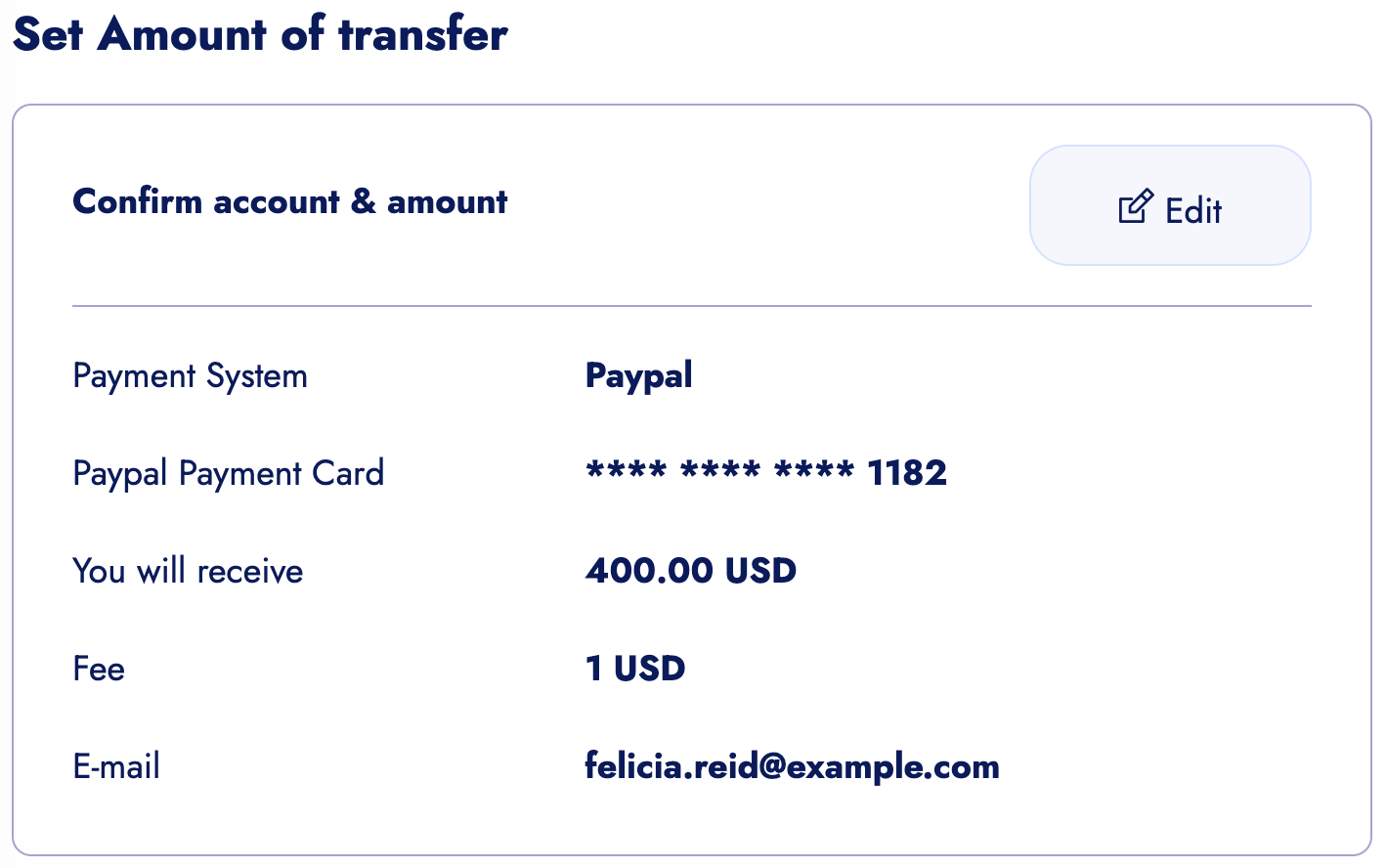
4. **Confirm and Send**: Review your transaction details for accuracy, then confirm to send. The funds are transferred instantly, ensuring recipients have timely access to the funds.